Editable vector explanations
Diagram gallery
A collection of 21 original scalable SVG diagrams. Each diagram remains crisp when printed or opened on a large monitor.
Layers of a computer
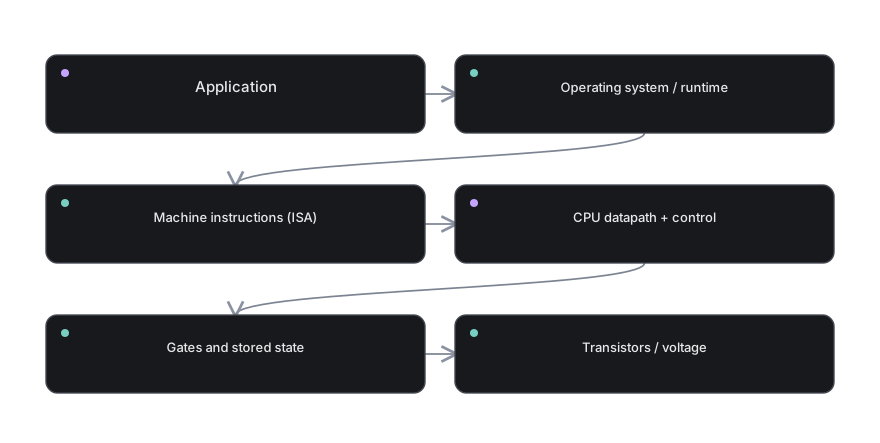 Layers of a computer. Follow the arrows to identify where information travels and what each block contributes.
Download diagram SVG →
The binary signal path
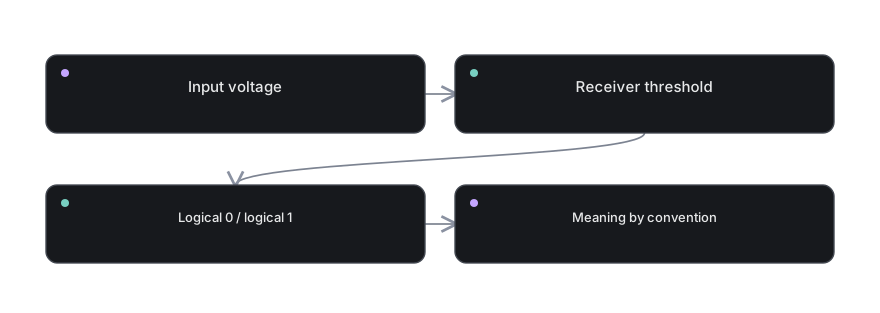 The binary signal path. Follow the arrows to identify where information travels and what each block contributes.
Download diagram SVG →
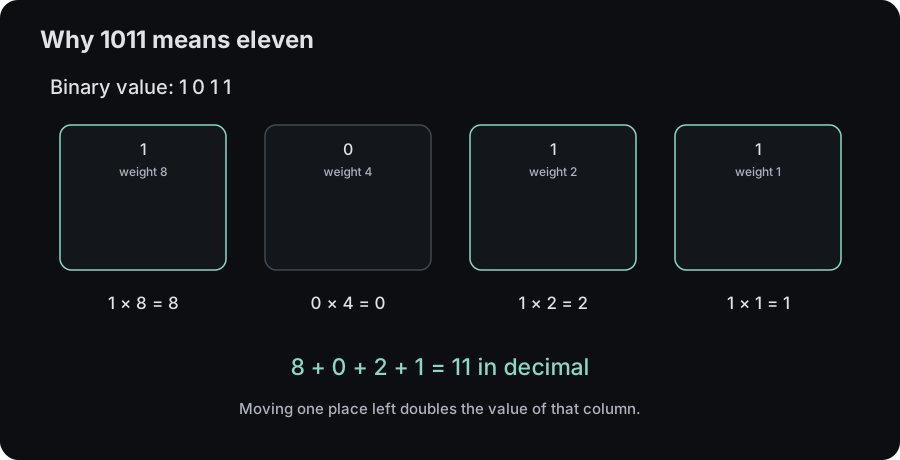
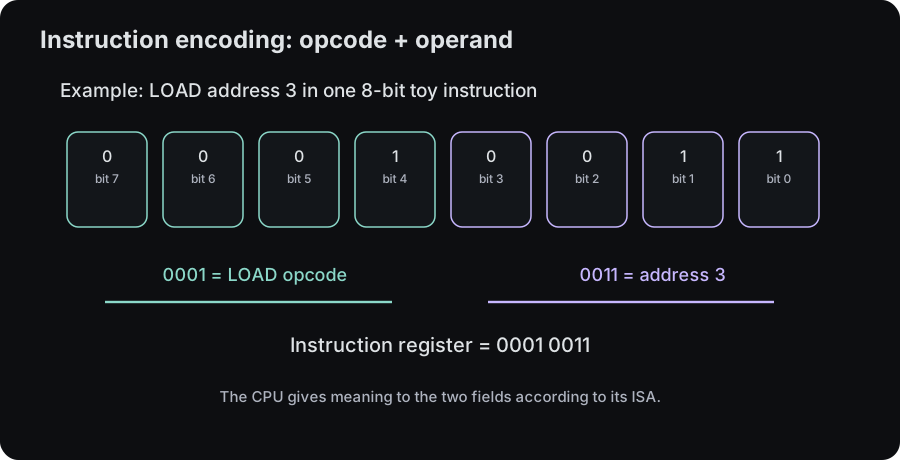
Binary representation
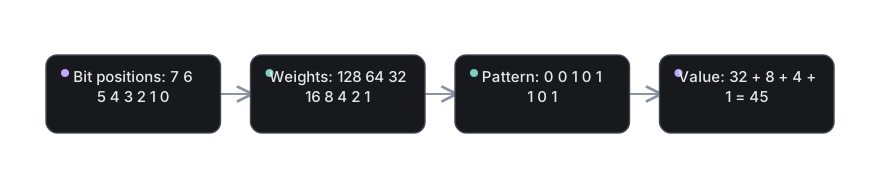 Binary representation. Follow the arrows to identify where information travels and what each block contributes.
Download diagram SVG →
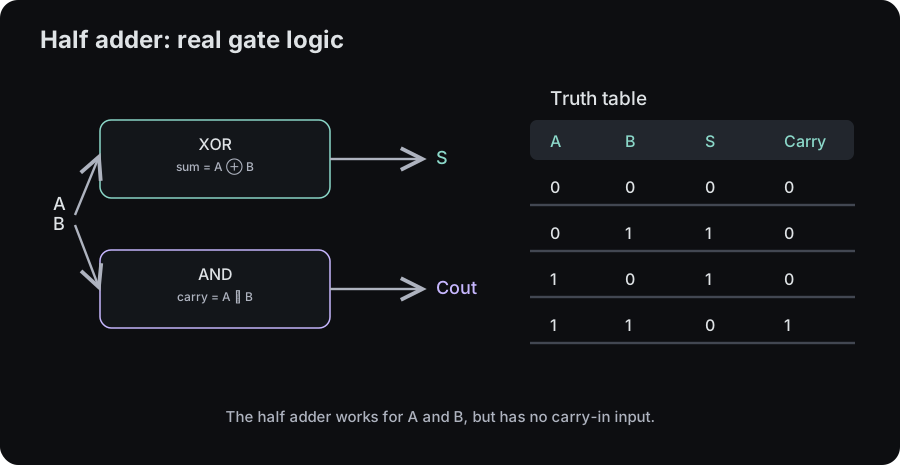
One-bit addition
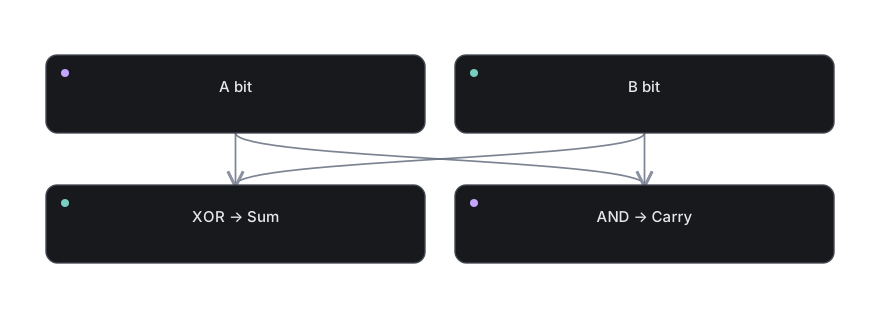 One-bit addition. Follow the arrows to identify where information travels and what each block contributes.
Download diagram SVG →
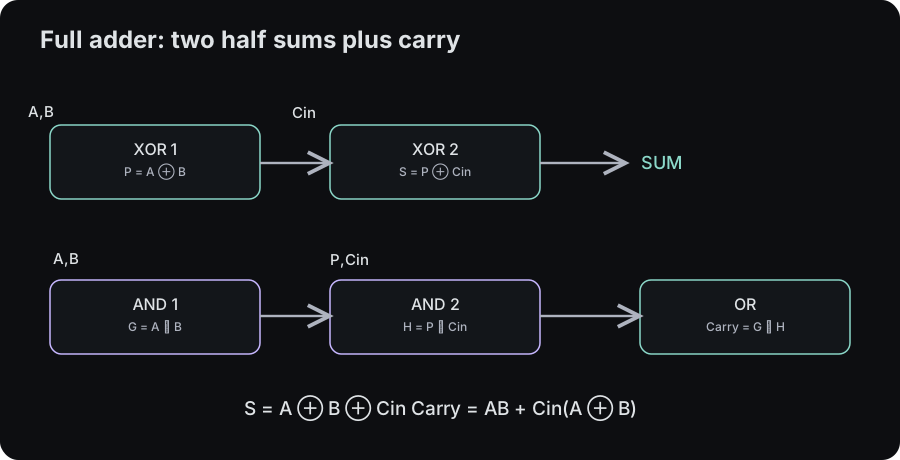
Carry-aware addition
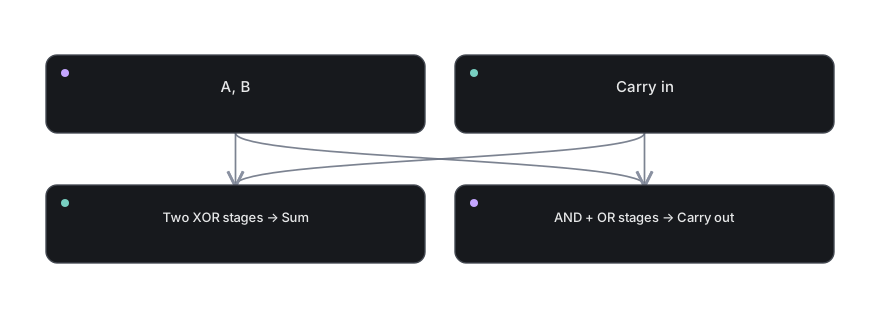 Carry-aware addition. Follow the arrows to identify where information travels and what each block contributes.
Download diagram SVG →
Four-bit ripple adder
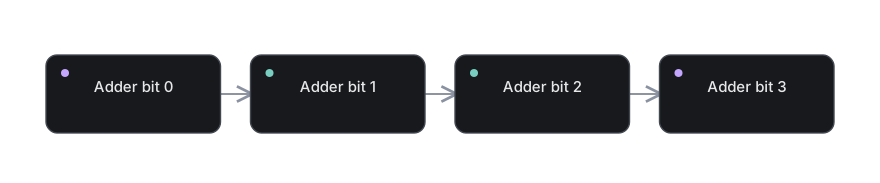 Four-bit ripple adder. Follow the arrows to identify where information travels and what each block contributes.
Download diagram SVG →
A two-way selector
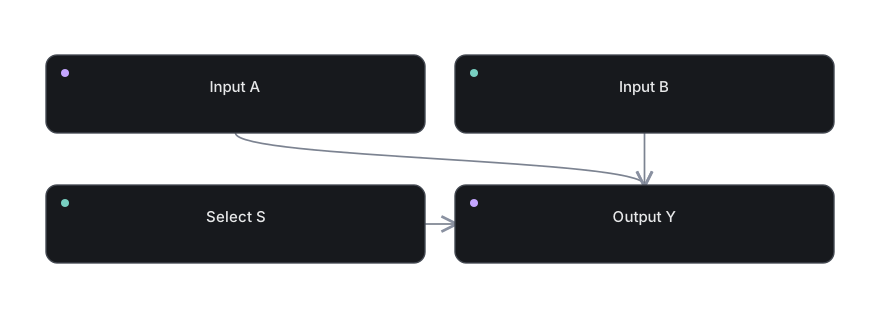 A two-way selector. Follow the arrows to identify where information travels and what each block contributes.
Download diagram SVG →
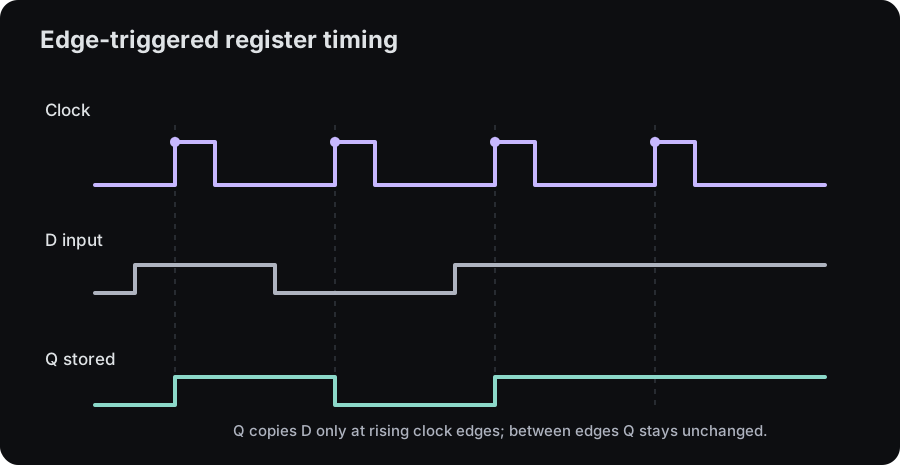
Clocked storage
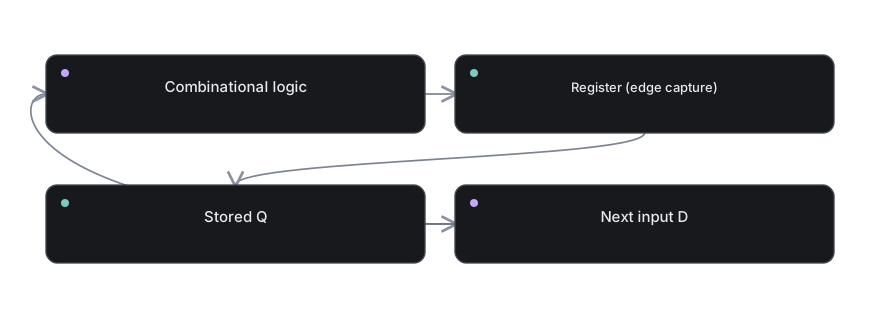 Clocked storage. Follow the arrows to identify where information travels and what each block contributes.
Download diagram SVG →
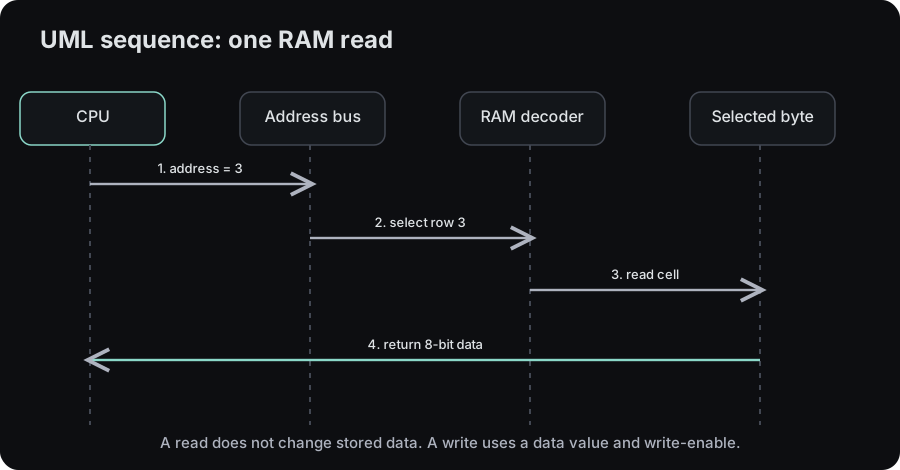
Addressable memory
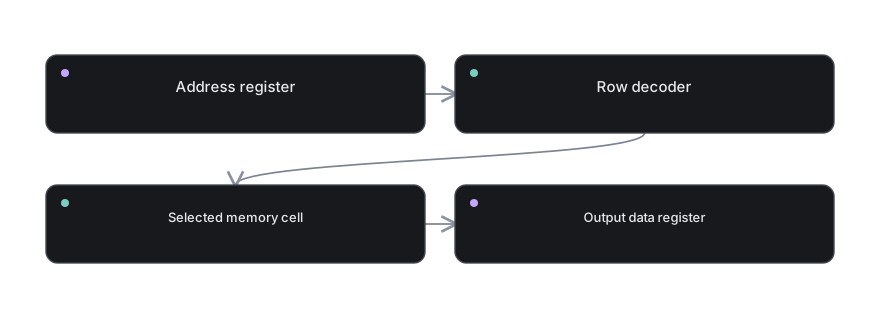 Addressable memory. Follow the arrows to identify where information travels and what each block contributes.
Download diagram SVG →
Shared data path
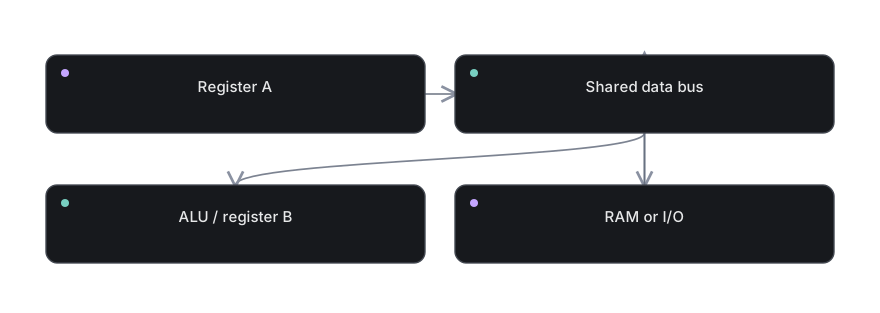 Shared data path. Follow the arrows to identify where information travels and what each block contributes.
Download diagram SVG →
Minimal CPU architecture
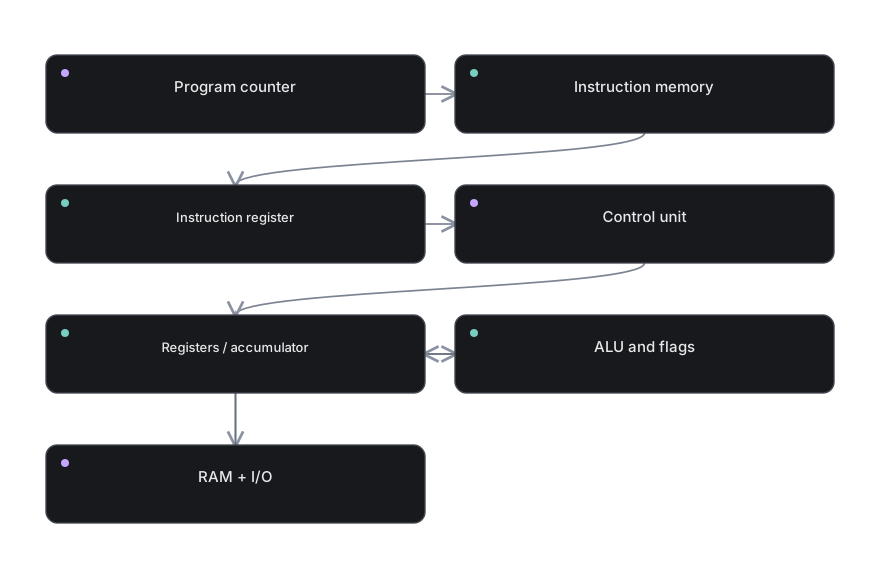 Minimal CPU architecture. Follow the arrows to identify where information travels and what each block contributes.
Download diagram SVG →
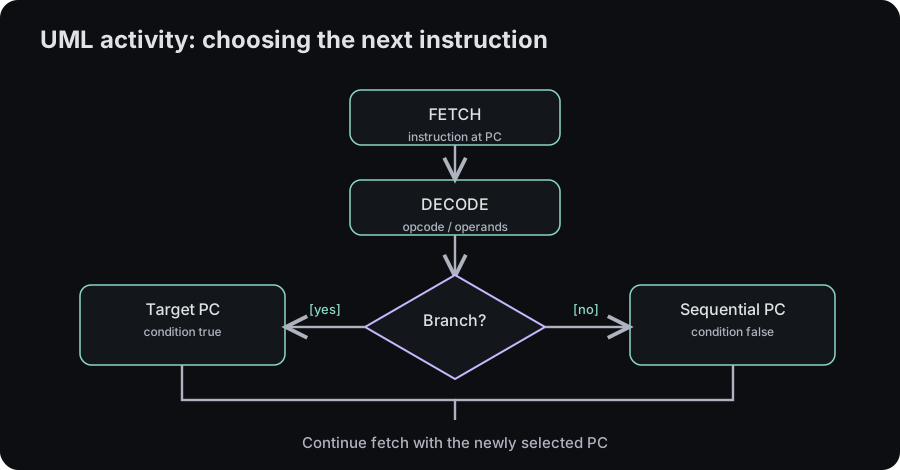
Instruction cycle
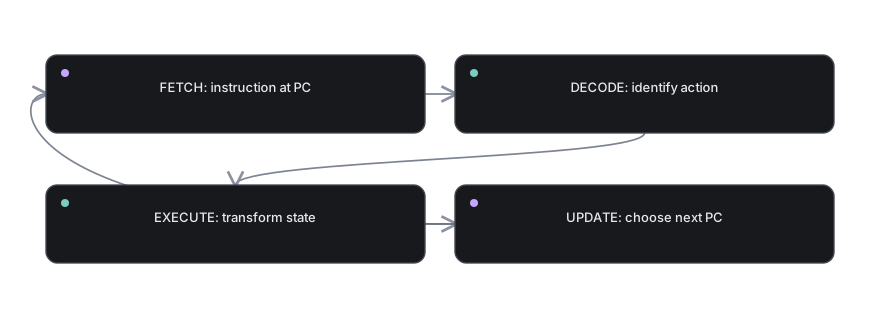 Instruction cycle. Follow the arrows to identify where information travels and what each block contributes.
Download diagram SVG →
Decision and next address
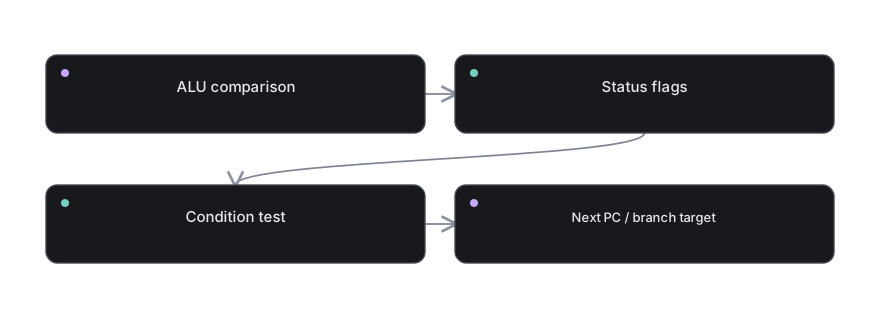 Decision and next address. Follow the arrows to identify where information travels and what each block contributes.
Download diagram SVG →
Microcoded control
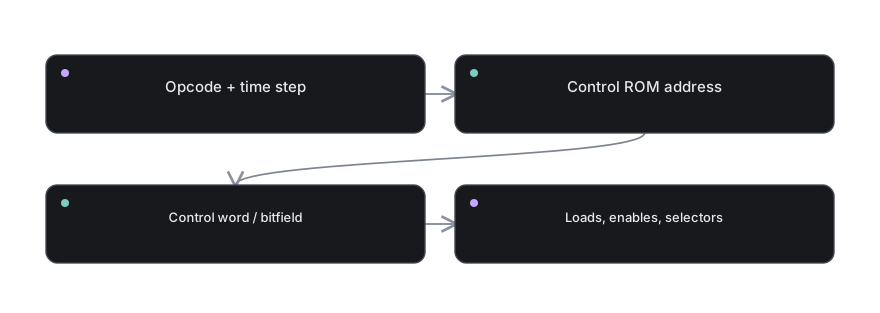 Microcoded control. Follow the arrows to identify where information travels and what each block contributes.
Download diagram SVG →
A program changes state
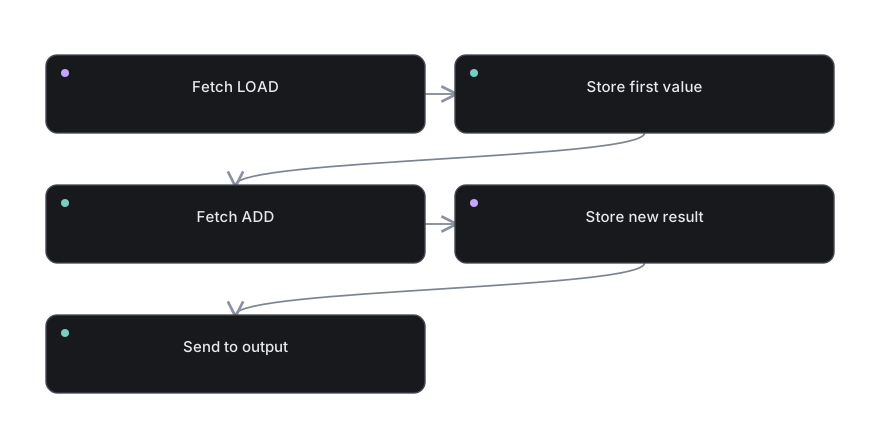 A program changes state. Follow the arrows to identify where information travels and what each block contributes.
Download diagram SVG →
Fibonacci state update
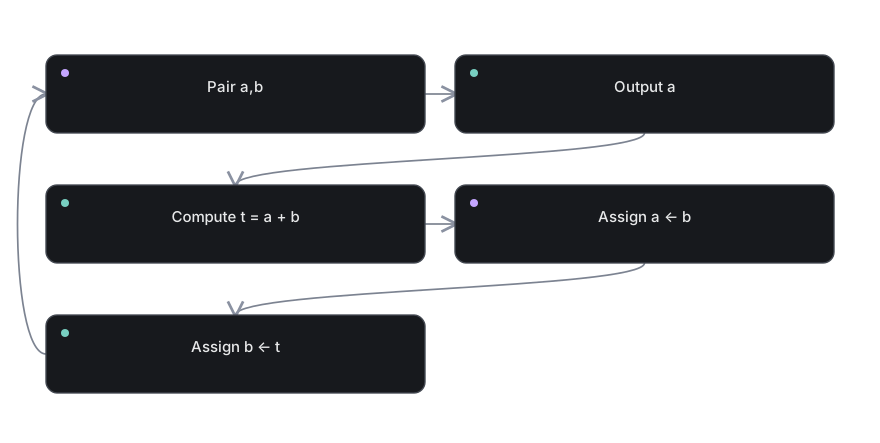 Fibonacci state update. Follow the arrows to identify where information travels and what each block contributes.
Download diagram SVG →
ARM load/store model
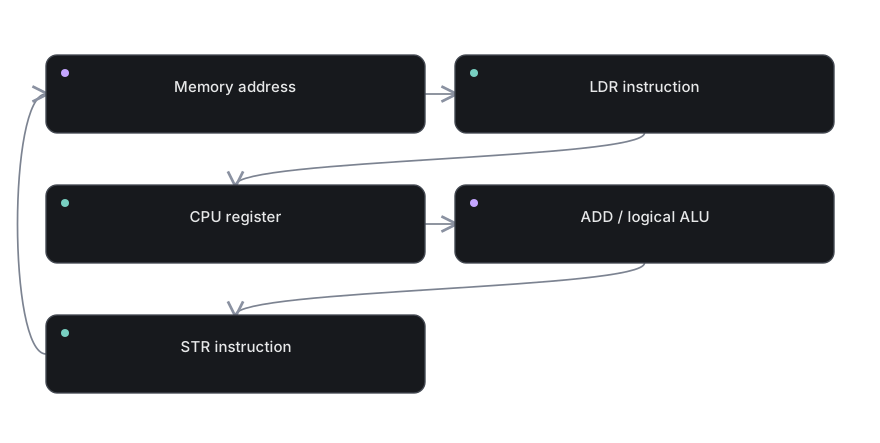 ARM load/store model. Follow the arrows to identify where information travels and what each block contributes.
Download diagram SVG →
Output to the physical world
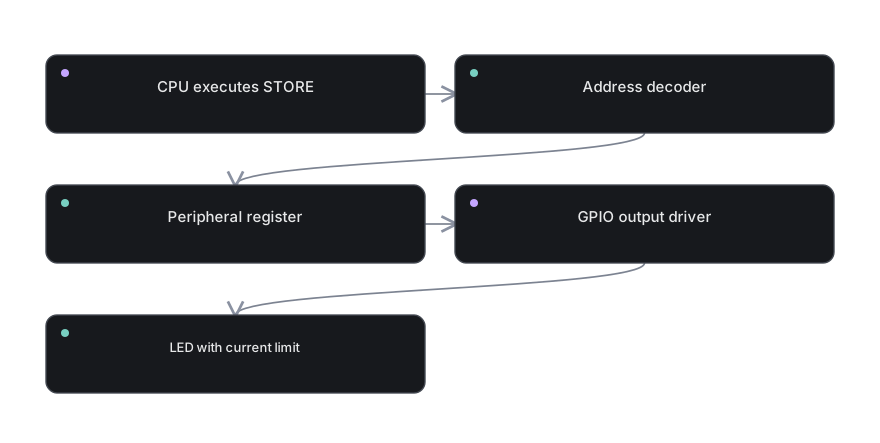 Output to the physical world. Follow the arrows to identify where information travels and what each block contributes.
Download diagram SVG →
The software to hardware path
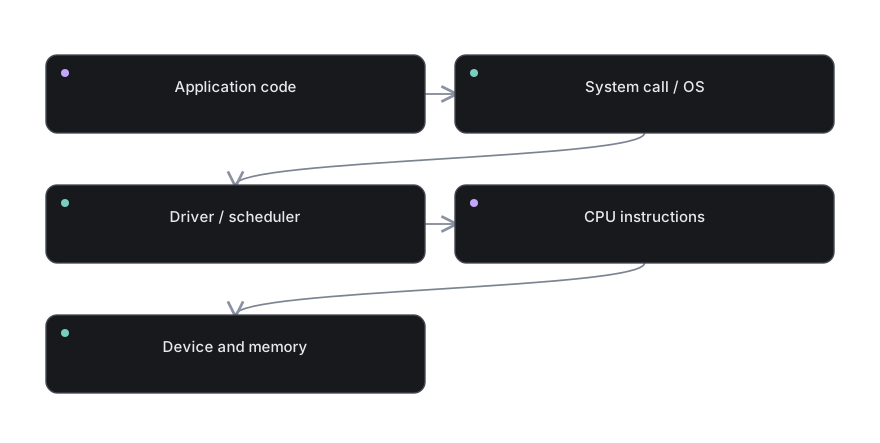 The software to hardware path. Follow the arrows to identify where information travels and what each block contributes.
Download diagram SVG →
Instruction pipeline
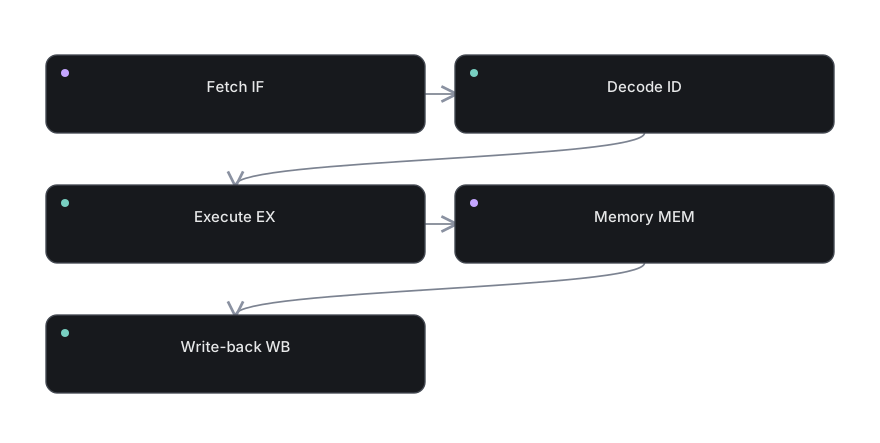 Instruction pipeline. Follow the arrows to identify where information travels and what each block contributes.
Download diagram SVG →
Memory hierarchy
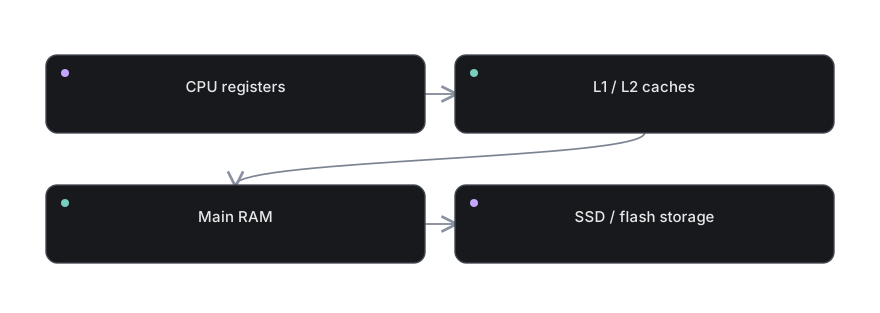 Memory hierarchy. Follow the arrows to identify where information travels and what each block contributes.
Download diagram SVG →